How It Works
How Trendspherepro Works

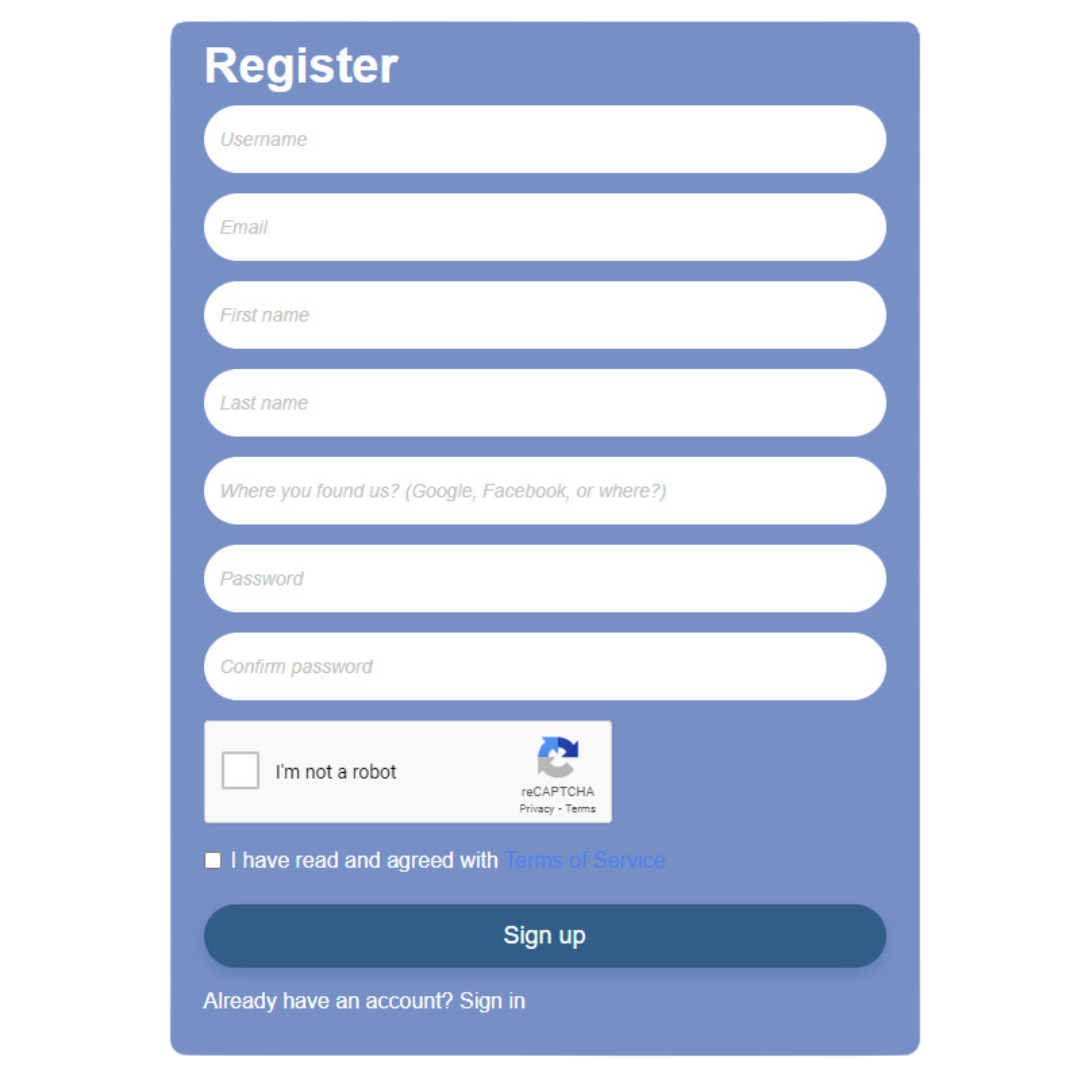
Create an account
First you need have account for login then you can see dashboard , we make sign up easy and this basic , same like you make account social media . and dont worry all details is safe , we not share your details to others.

Add Fund
Second you need deposit fund to your account in site['name'] deposit is easy and secure , and we have much payment channel for you. For deposit please go to /addfunds you can find “Add funds” at slidebar


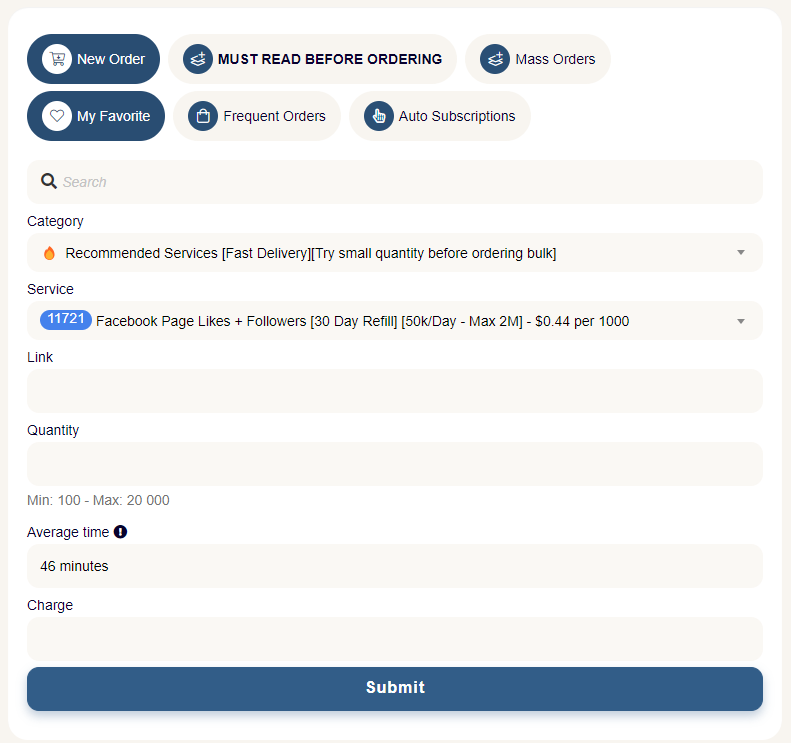
Create Order
Third after you have balance in your account , so now you can place orders in form , see step by step . you can check “/services” to see all service and price.
Order History

Pending
THE ORDER(S) WAS JUST ADDED TO THE QUEUE SYSTEM AND WILL START PROCESSING SOON IF THERE ARE NO DELAYS
In Progress
THE ORDERS(S) ARE CURRENTLY IN PROGRES, YOU SEE SOME RESULTS RIGHT NOW OR SOON ON YOUR LINK
Completed
THE ORDER(S) ARE COMPLETED, AND NO FURTHER ACTIONS MUST BE TAKEN.
Partial
THE ORDERS(S) ARE PARTIAL REFUNDED. WE HAVE CREDITED A PORTION OF THE FUNDS INTO YOUR ACCOUNT, BASED ON THE REMAIN AMOUNT.
Procesing
THE ORDERS(S) ARE CURRENTLY PROCESSING, YOU SHOULD SEE SOME RESULTS RIGHT NOW OR SOON ON YOUR LINK
Canceled
THE ORDERS(S) IS/ARE CANCELLED AND THEY WILL NOT EXECUTE AGAIN. USUALLY CANCELLED MANUALLY OR BY AN OPERATOR